
Maximize Your AI Potential: Blending Open WebUI with Commercial APIs
By ThinkCloud
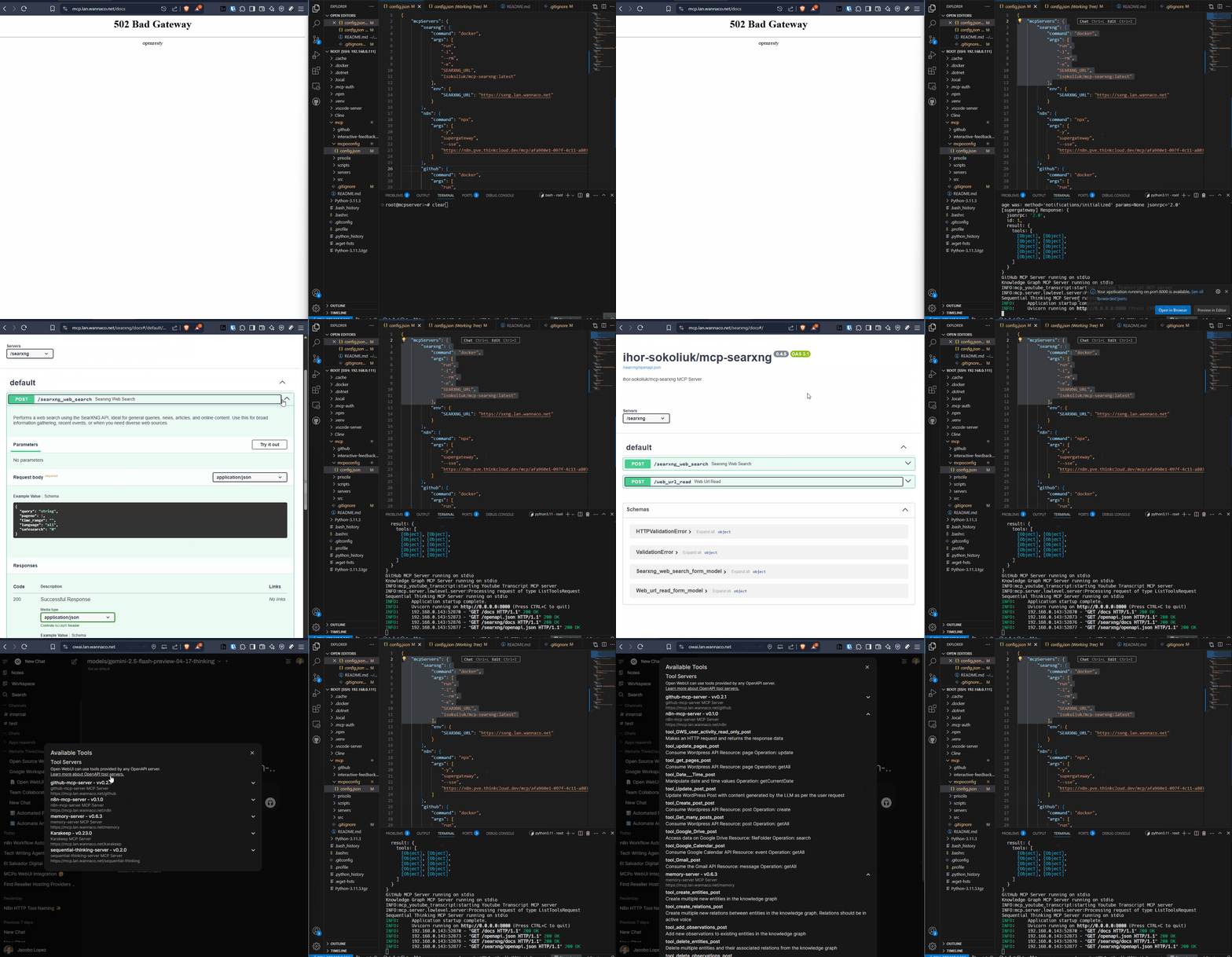
In today’s fast-evolving world of artificial intelligence, businesses and developers are spoiled for choice. AI tools are no longer confined to expensive subscriptions or closed ecosystems. Instead, we have a growing ecosystem of open-source solutions like Open WebUI, along with powerful commercial APIs such as ChatGPT, Bard, and others. At Think Cloud, we believe in empowering organizations to make informed decisions about their AI strategy. The question is no longer “open-source or commercial?” but rather, “how can we combine these tools to create the most efficient, cost-effective, and secure solution for our needs?” Today, we’ll explore the benefits of blending Open WebUI with commercial AI APIs, and how tools like Ollama can help you deploy AI models locally while still leveraging the best of the cloud.
Why Choose Open WebUI?
Open WebUI is an open-source solution that gives you the power to deploy and manage AI models directly on your premises. By hosting your AI locally, you retain full control over your data, reduce dependency on third-party services, and avoid costly subscriptions. Here’s why Open WebUI stands out:
- Full Control Over Data: For workloads you route to local open-source models, your data never leaves your servers. This is especially critical for industries with strict compliance or security requirements, such as healthcare, finance, or government. When you route a task to a commercial API, that provider processes it — so you choose, per task, what goes where.
- Cost-Effective: Cut per-seat bloat and pay only for what you actually use. Open WebUI lets you run open-source models locally, and pair them with pay-as-you-go APIs — so you’re not paying a subscription fee for features you never touch.
- Customization: Open WebUI gives you the flexibility to fine-tune models to your specific use case. Whether it’s adjusting prompts, integrating custom datasets, or setting usage limits, you have complete control.
- Scalability: Open WebUI can scale to meet your needs, whether you’re running a small pilot project or a large-scale enterprise deployment.
When to Use Commercial AI APIs
While Open WebUI offers unmatched control and cost savings, commercial AI APIs like ChatGPT, Google Bard, or Amazon Bedrock have their own advantages. These APIs are ideal for:
- Scalability and Convenience: Commercial APIs provide plug-and-play access to state-of-the-art models without requiring significant infrastructure investment. They’re perfect for businesses that want to get started quickly.
- Continuous Improvement: Commercial providers regularly update their models, ensuring you always have access to the latest advancements in AI.
- Specialized Features: Many commercial APIs offer specialized capabilities, such as code generation, math problem-solving, or multilingual support, that may not be readily available in open-source models.
- Low-Code Solutions: For teams without extensive technical expertise, commercial APIs provide an easy way to integrate AI into applications.
The Best of Both Worlds: Combining Open WebUI with Commercial AI APIs
The choice between Open WebUI and commercial AI APIs doesn’t have to be binary. Instead, you can create a hybrid solution that leverages the strengths of both. For example:
- Use Open WebUI for Core Operations: Deploy Open WebUI on-premises for tasks that involve sensitive data or require customization. This ensures security and control while keeping costs low.
- Augment with Commercial APIs for Specialized Tasks: For tasks that require scalability, advanced features, or access to the latest models, integrate commercial AI APIs.
- Ollama: A Powerful Tool for Local Deployment: Tools like Ollama make it easier than ever to run open-weight models locally. Ollama is a state-of-the-art open-source platform that simplifies model deployment and management. With Ollama, you can run models like Llama, Mistral, or Qwen on your own servers — a genuine alternative for privacy-sensitive work. The practical consideration: local models need real hardware (GPUs with serious VRAM) to perform at the level of frontier APIs, so most teams use local models for sensitive tasks and APIs for heavy lifting.
What Are the Benefits of a Hybrid Approach?
By combining Open WebUI with commercial AI APIs, you can:
- Optimize Costs: Use free open-source models for core operations and pay only for commercial APIs when advanced features or scalability are needed.
- Enhance Security: Keep sensitive data on-premises while still benefiting from the latest AI innovations.
- Maximize Flexibility: Tailor your AI strategy to meet the unique needs of your organization, whether it’s rapid deployment, cost savings, or cutting-edge features.
- Future-Proof Your AI Strategy: Stay agile as the AI landscape evolves. With Open WebUI and Ollama, you’re not locked into any single ecosystem or vendor.
Ollama: A Game Changer for Local AI Deployment
If you’re considering Open WebUI but want a more user-friendly experience, Ollama is the perfect solution. Ollama is an open-source platform designed to simplify the deployment and management of AI models locally. With Ollama, you can:
- Run Open-Weight Models On-Premises: Deploy models like Llama, Mistral, and Qwen directly on your servers, reducing dependency on cloud providers for sensitive workloads.
- Store Data Locally: For local inference, data stays inside your network. If you call a commercial API, that request goes to the provider — so route deliberately.
- Customize to Your Needs: Fine-tune models, adjust parameters, and integrate custom prompts to tailor AI outputs to your specific requirements.
- Cost-Effective: Avoid per-seat subscriptions and pay only for what you use — but be realistic: local models require hardware investment, and frontier-quality work will still lean on pay-as-you-go APIs.
A Step-by-Step Guide to Blending Open WebUI with Commercial AI APIs
- Assess Your Needs: Start by identifying the specific use cases for AI in your organization. Are you processing sensitive data? Do you need advanced features like code generation or multilingual support?
- Deploy Open WebUI for Sensitive Tasks: For use cases involving sensitive data or customization, deploy Open WebUI on-premises. Tools like Ollama can make this process seamless.
- Integrate Commercial APIs for Scalability: For tasks that require scalability, advanced features, or rapid deployment, integrate commercial APIs like ChatGPT or Google Bard.
- Monitor and Optimize: Continuously monitor your AI usage and adjust your strategy as needed. For example, if you find that certain tasks are costing too much with commercial APIs, consider migrating them to Open WebUI.
- Leverage Ollama for Local Deployment: Use Ollama to run models locally, ensuring security and cost savings while still benefiting from the latest advancements in AI.
Take Control of Your AI Journey
AI is a powerful tool, but it’s up to you to decide how to use it. By blending Open WebUI with commercial AI APIs, you can create a solution that is secure, cost-effective, and tailored to your needs. Whether you’re running models on-premises with Ollama or leveraging the latest innovations from commercial providers, the key is to stay flexible and adaptable.
At Think Cloud, we’re here to help you navigate the complexities of AI deployment. Contact us today to learn more about Open WebUI, Ollama, and how to build a hybrid AI strategy that works for you. Together, we can unlock the full potential of AI while keeping you in control.